
Overview
How to Charge
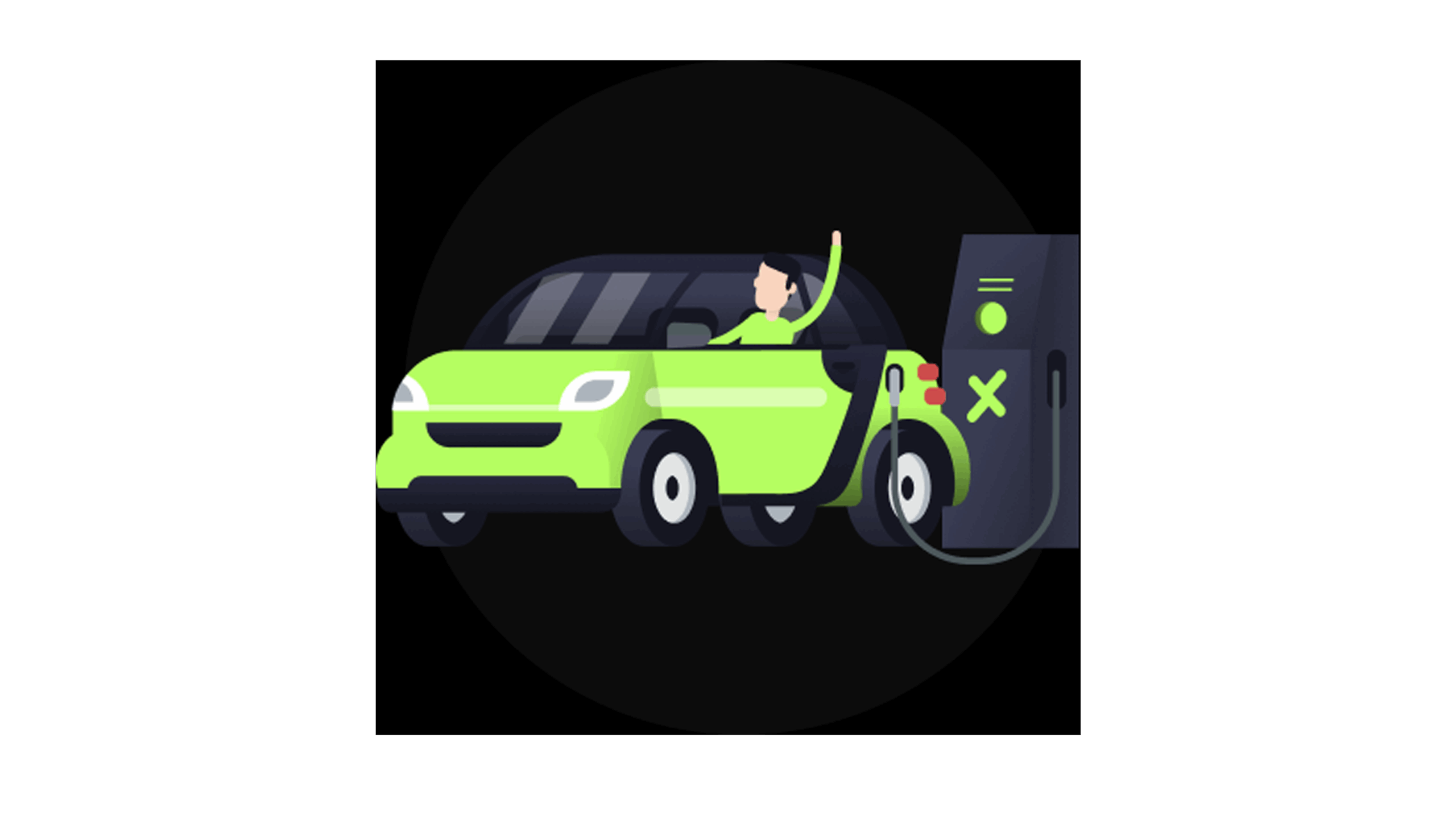
Plug In
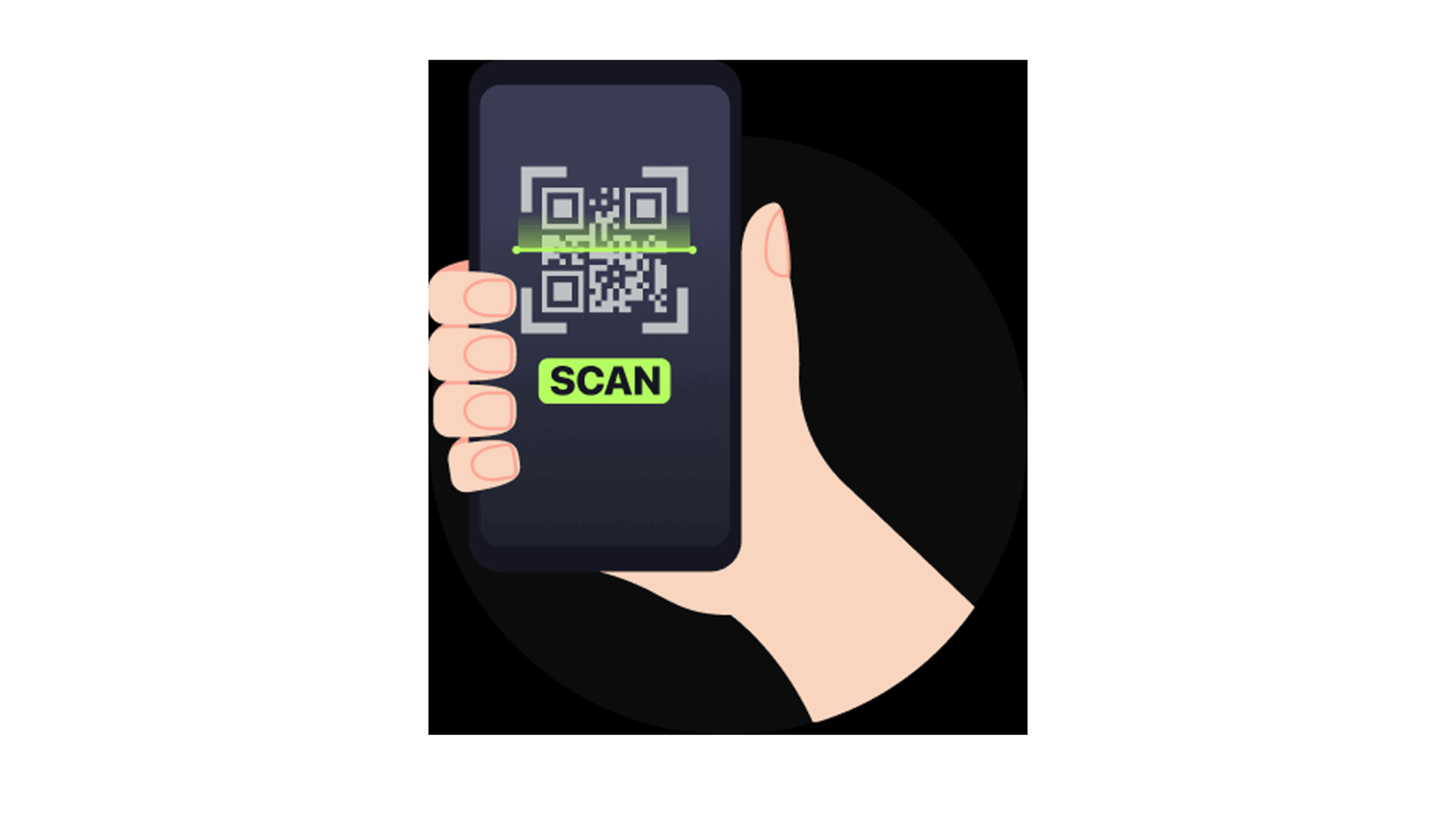
Scan QR
Set Preferences
Pay in App
Charge & Go
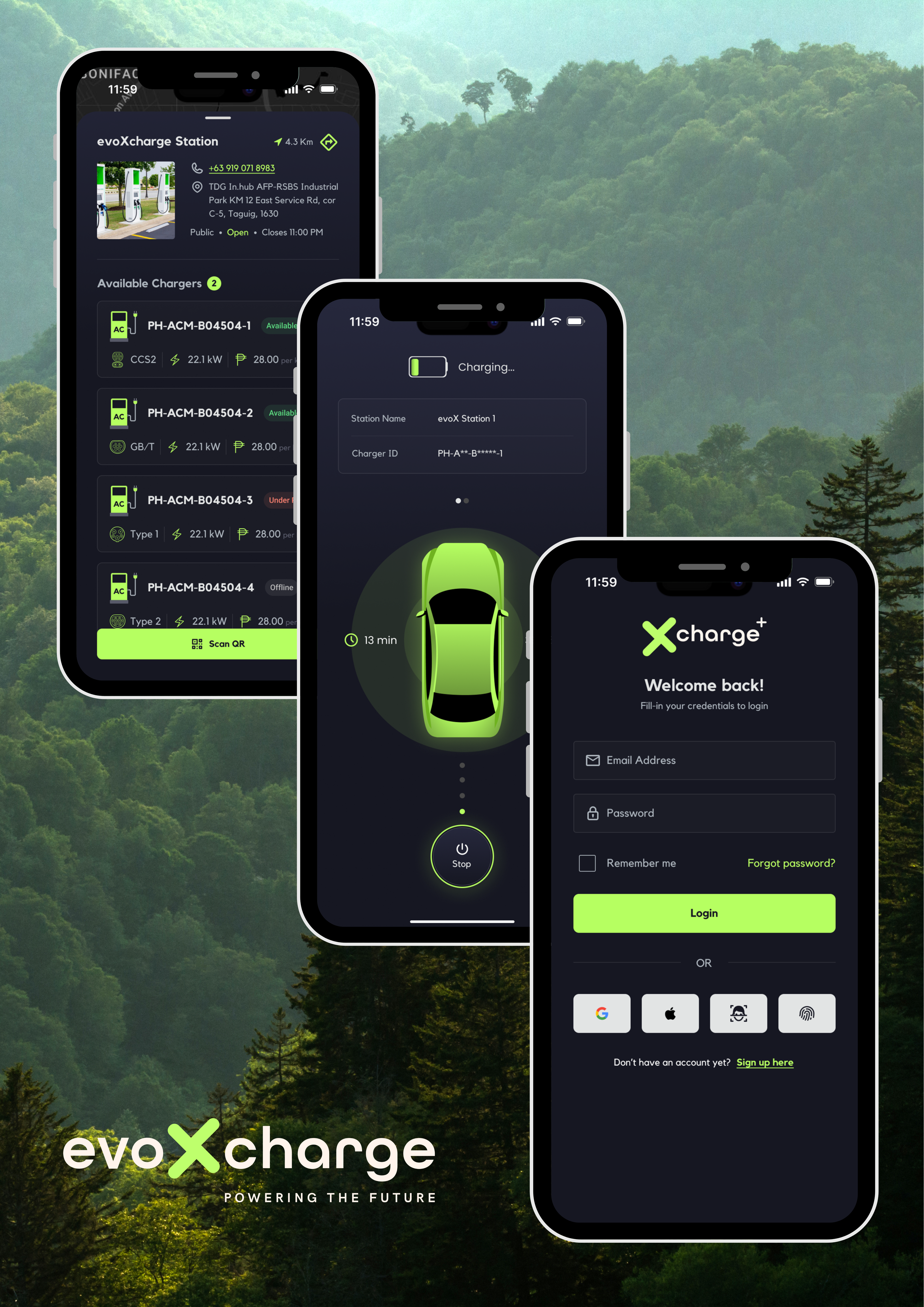
xCharge+ is a mobile and web app that allows EV owners to locate charging stations, start and stop charging sessions, monitor energy usage, and manage payments.
Use the app’s map to view nearby stations. The app shows each charger’s availability, type, and status (available, charging, faulty, or offline).
1. Plug in your EV at the charging station.
2. Scan the QR code on the charger screen using the xCharge+ app.
3. Select your preferred charging session and payment option.
4. Confirm to start charging.
Yes, you can stop an ongoing session remotely via the app once charging has started.
• xCharge+ Wallet: Top up your wallet in the app and pay directly.
• External portals: Choosing GCash or bank payment redirects you to their respective portal to complete the transaction.
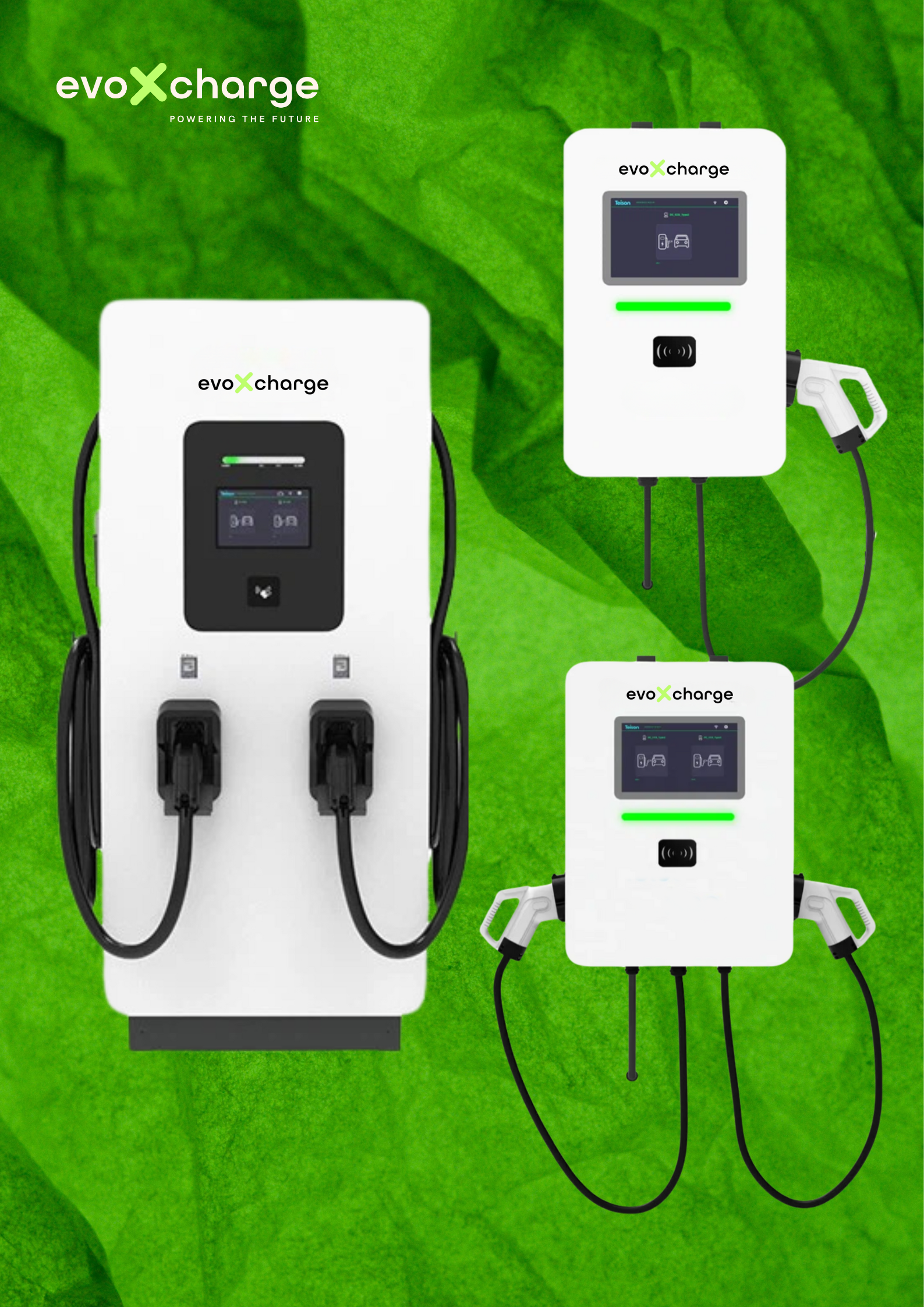
• Charger types: AC and DC.
• Plug types: GB/T (AC & DC), Type 2, and CCS2.
The app shows the charger and plug types available at each station.
The app shows real-time status, including energy delivered, session duration, and whether your vehicle is charging, completed, or paused.
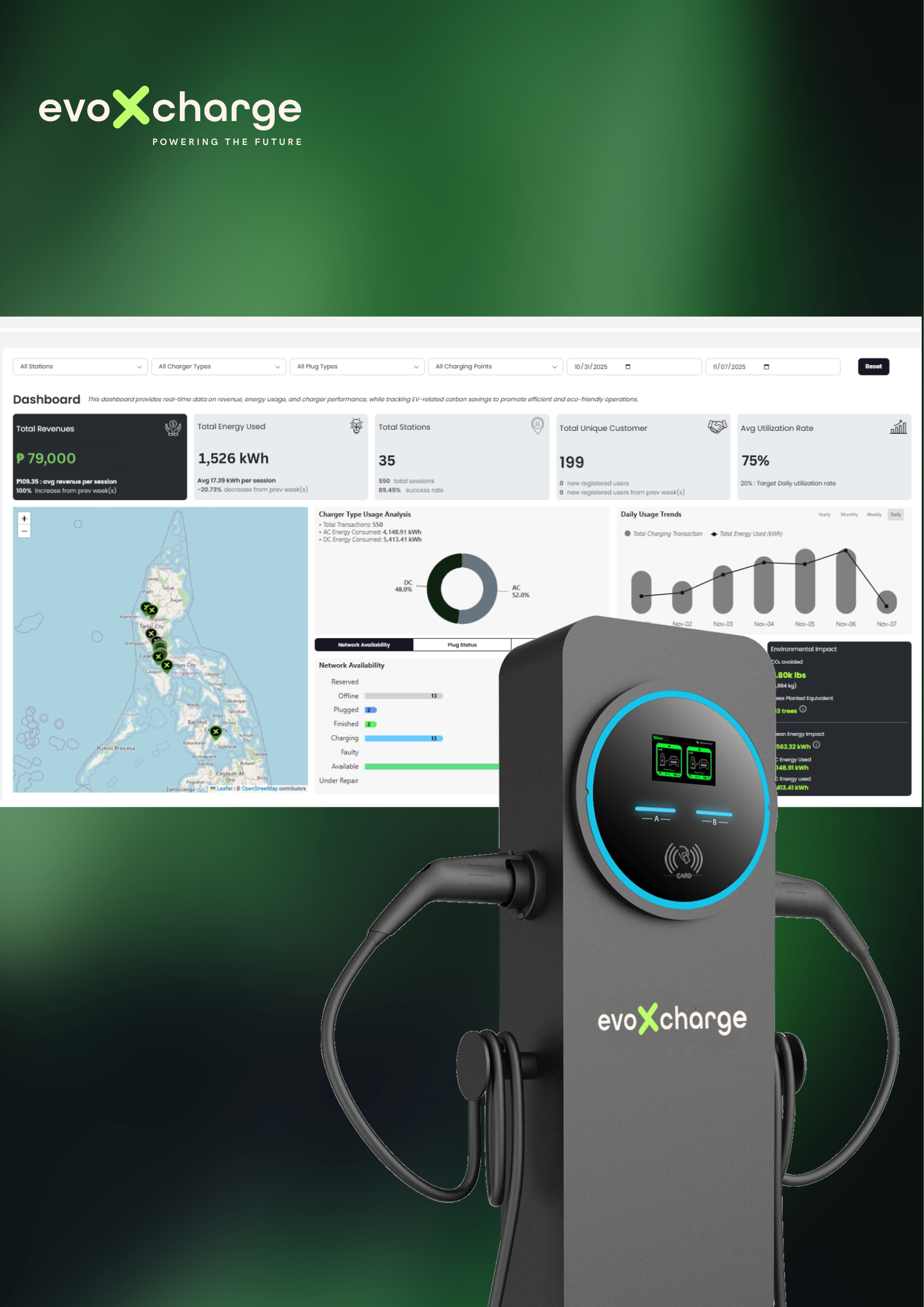
Go to the “History” section in the app to see previous sessions, energy used, cost, and environmental impact.
The app shows charger status in real-time. Faulty or offline chargers are clearly marked so you can choose a working charger.
You can contact support via the app’s “Help & Support” section or email the customer service team.
Hotline support:
• 0939-241-0809
• 0976-270-1224
• support@evoxcharge.ph
Chargers also display a support number for immediate assistance.
If you’re interested in adding your existing charging stations to the EVOxCharge network or building new charging stations, please contact our sales team:
• Phone: 0999-573-5226 / 0917-183-4520
• Email: sales@evoxcharge.ph